
How to Clear MEP Plan-Review Corrections Without Losing Weeks
A correction letter is not a rejection — it is a punch list. Our workflow for reading, classifying, clouding, and resubmitting corrections in a single…
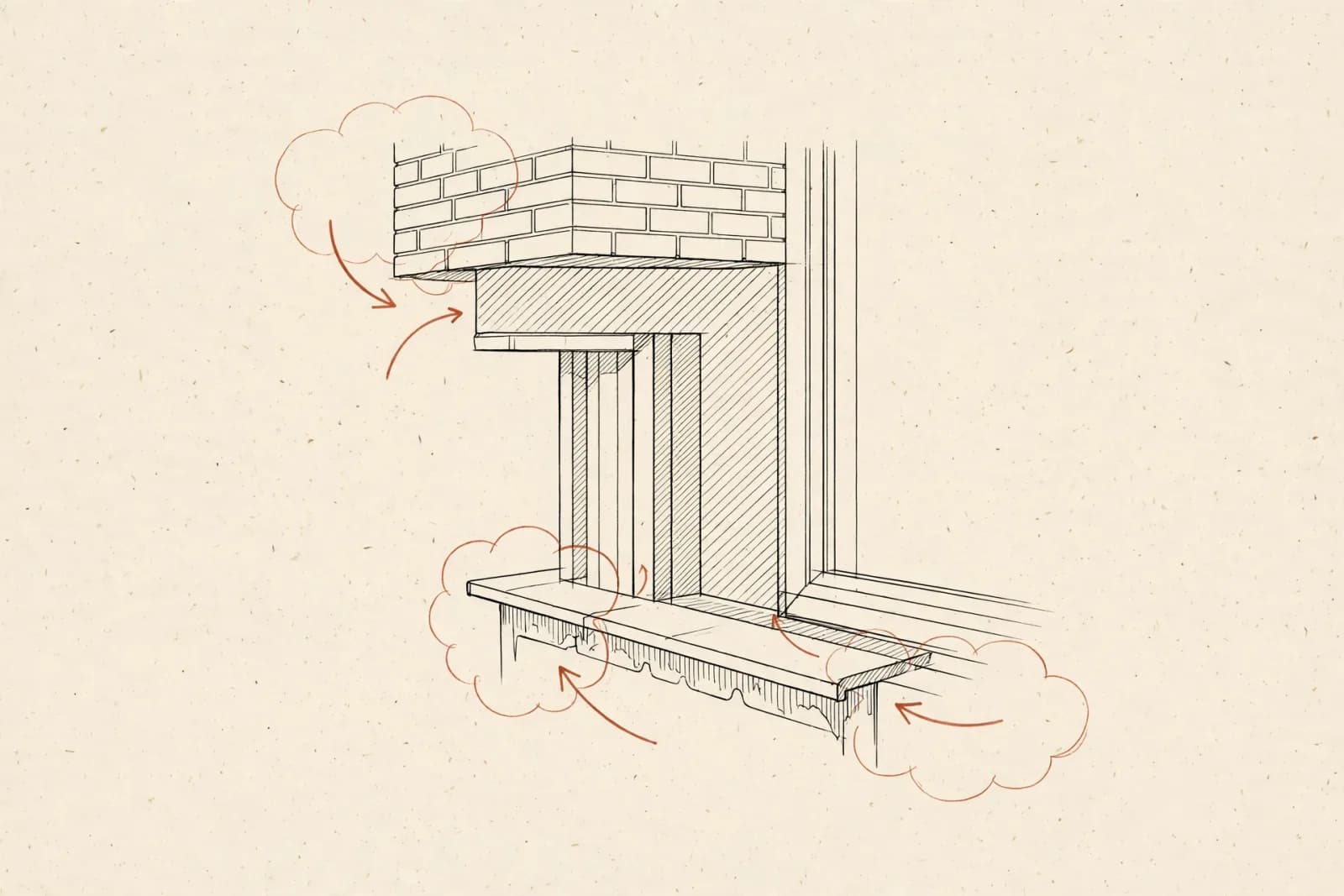
A correction letter is not a rejection. It is the reviewer's punch list, and clearing it is a process problem, not a design problem. Most of the weeks lost to corrections are lost to disorganization: comments answered out of order, changes made without clouding, resubmittals missing the narrative that ties it all together. Here is the workflow we use to clear MEP plan-review corrections in a single cycle.
Step 1: Read the Letter Like the Reviewer Wrote It
Start by reading the entire correction letter before touching CAD. Reviewers write comments in the order they encountered issues, not in priority order — and several comments often trace back to one root cause. A comment about panel schedules and a comment about feeder sizes may both come from an unclear service calculation. Map every comment to a sheet, a discipline, and a root cause before you change anything. Then check the letter for administrative items: missing signatures, wrong application forms, expired licenses. Those hold up the permit just as hard as a code issue, and they take five minutes to fix.
Step 2: Classify Every Comment Before Opening CAD
We sort every comment into one of four buckets: code compliance, coordination, clarification, and administrative. Code compliance comments change the design and may need the engineer of record to sign off before we redraw. Coordination comments mean two disciplines disagree and the fix belongs on both sheets. Clarification comments are answered with a note, a detail, or a clouded addition — no redesign. Administrative comments never touch CAD at all. This classification decides who does the work, whether the engineer of record needs to be involved, and how the response letter is organized. Skipping it is how a one-day clarification turns into a two-week redesign.
Step 3: Cloud Changes and Run a Revision Delta
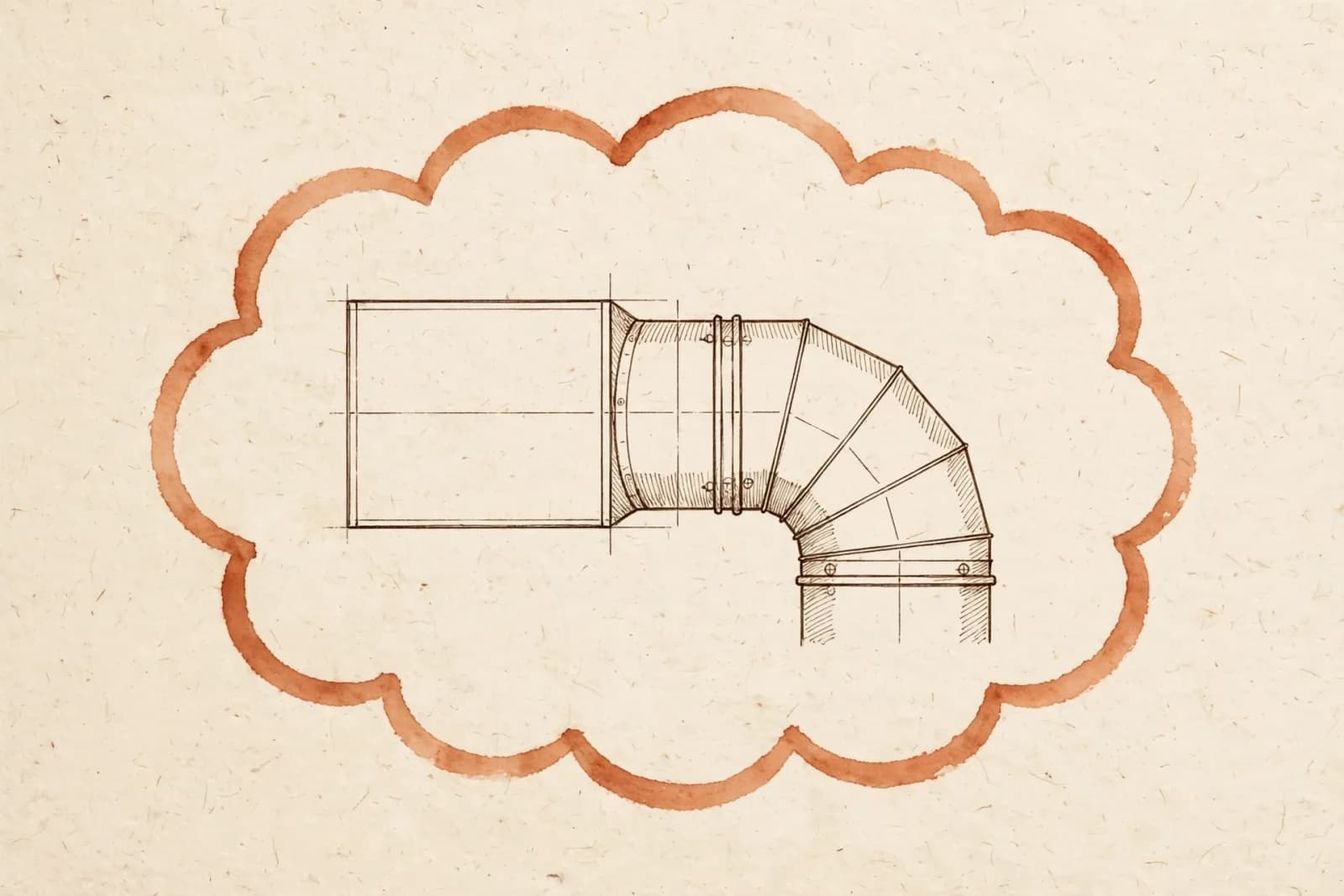
Every change gets a revision cloud, a delta number, and a date — on the sheet, in the title block, and on the sheet index. The revision cloud is not decoration; it is how the reviewer verifies that every comment was addressed without re-reading the whole set. We keep a revision log that maps each delta to the specific correction-letter comment it answers. After clouding, we run a delta check: open the previous submittal next to the new one and confirm that every cloud corresponds to a comment, and every comment corresponds to a cloud. Changes made without clouds are invisible to the reviewer and read as ignored comments — the fastest route to a second correction letter.
Step 4: Assemble a Resubmittal Package, Not Just New Sheets
The resubmittal is a package with four parts: the response letter, the revised sheets, the unchanged sheets, and the supporting documents. The response letter answers every comment by number, states what changed, and cites the sheet and delta where the reviewer can find it. We resubmit the complete set, not just the changed sheets, because reviewers check context — a changed detail on one sheet affects the plan on another, and they want to see both. Supporting documents — updated load calculations, cut sheets for substituted equipment, energy compliance forms — go in with the package, referenced from the response letter. A complete package gets re-reviewed in days. A partial one gets a new correction letter asking for the missing pieces.
- Read the full correction letter and map each comment to a sheet and root cause
- Classify every comment as code, coordination, clarification, or administrative
- Confirm engineer-of-record sign-off on any design changes
- Cloud every change with a delta number and date
- Update the revision log mapping each delta to its comment
- Run a delta check against the previous submittal
- Update the sheet index and title block revision blocks
- Write the numbered response letter citing sheet and delta for each comment
- Attach updated calcs, cut sheets, and compliance forms
- Resubmit the complete set, not just the changed sheets
Staring at a correction letter right now? We clear them for clients every week — clouded revisions, numbered response letters, and resubmittal packages for electrical and HVAC scope alike. Request a quote with the correction letter and the current set.
Need similar drawings?
Get permit-ready 2D AutoCAD drawings for your project
Send us your plans and scope — we'll come back with a fixed price and a turnaround date. No obligation.
Keep reading
Related articles
 Design & Drafting
What Makes an MEP Drawing Set Truly Permit-Ready?
Geometry alone does not get a permit issued. Here is what plan reviewers check on the sheets first — and what we build into every set we draft.
 Design & Drafting
PDF to CAD Conversion: Getting Legacy Drawings Permit-Ready Again
Scanned as-builts and hand-drafted originals cannot carry a permit application. Here is how we convert legacy drawings into editable, layered,…
 Design & Drafting
Why 2D AutoCAD Still Wins for Permit Drafting
Everyone sells modeling. For most permit sets, disciplined 2D AutoCAD is faster, cheaper, and exactly what the plan reviewer wants.
Get a fixed drafting quote in under 24 hours
Send us your architectural plans and scope. We'll come back with a fixed price and a turnaround date — no obligation.